All blog
At PowerSyncPro we take seriously the end-user experience for their Windows workstation migration event. The end-user experience can make or break a project – no matter how much painstaking time and effort the migration project team have put in to the big day for the months leading up to it.
We want the end-user to know at all times what is happening. We have dialog boxes that let the user know:
- Cache Credentials
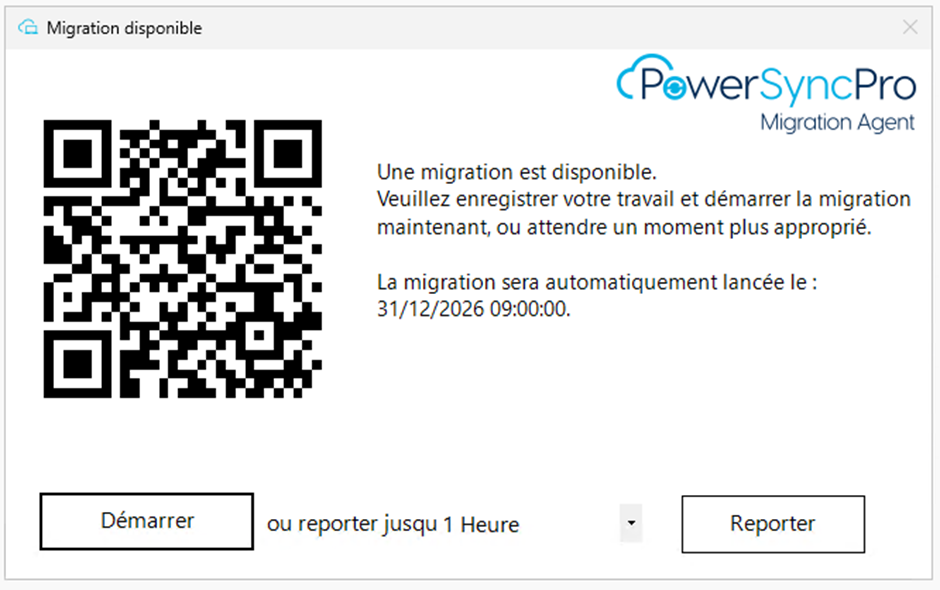
- Migration Available
- Migration Starting
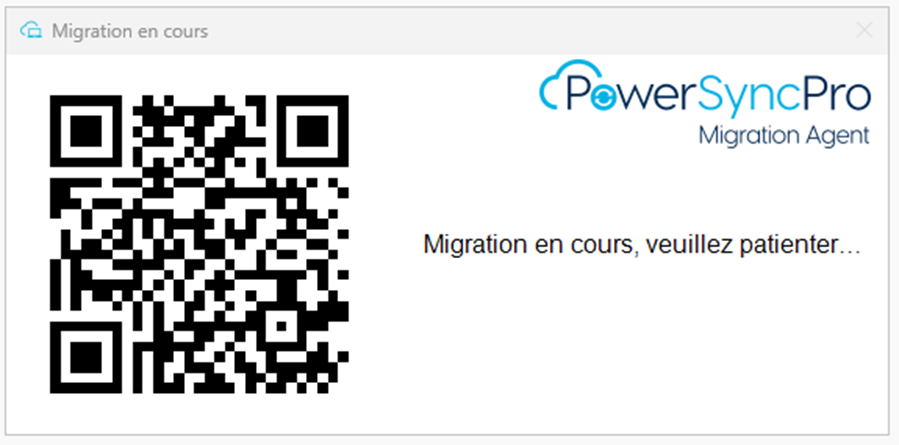
- Migration in Progress
- Migration Complete
- Service Unavailable
- Legal Notice
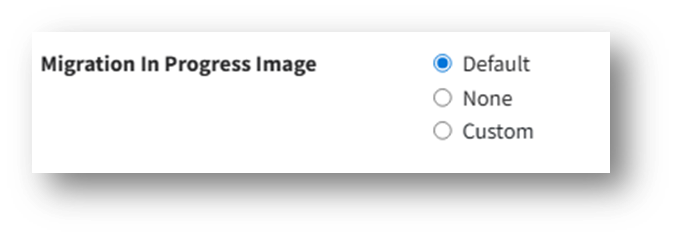
QR code
We also have the ability to have a QR code be presented at all of these options, so that an end-user could scan the code with their phone and be taken to landing page with more options.

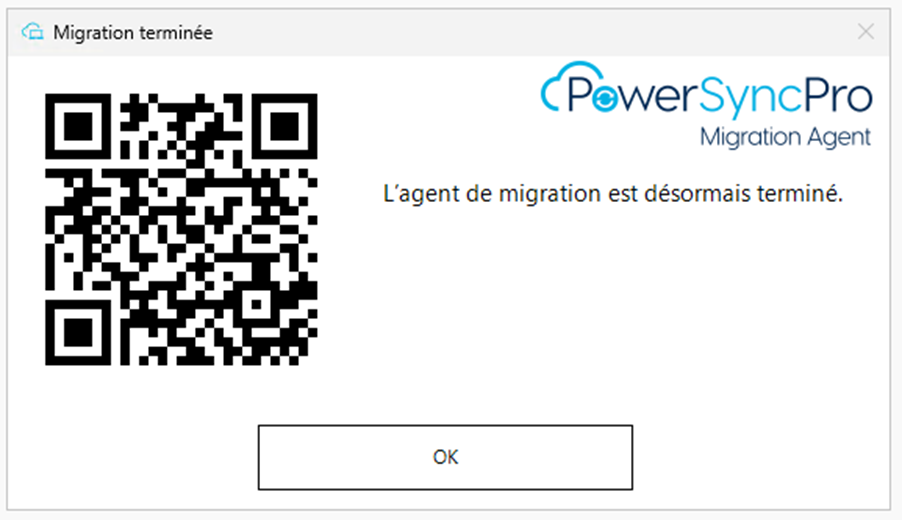
Migration lock screen image
We also utilise a migration lock screen image that can be a client specific custom branded image if required.
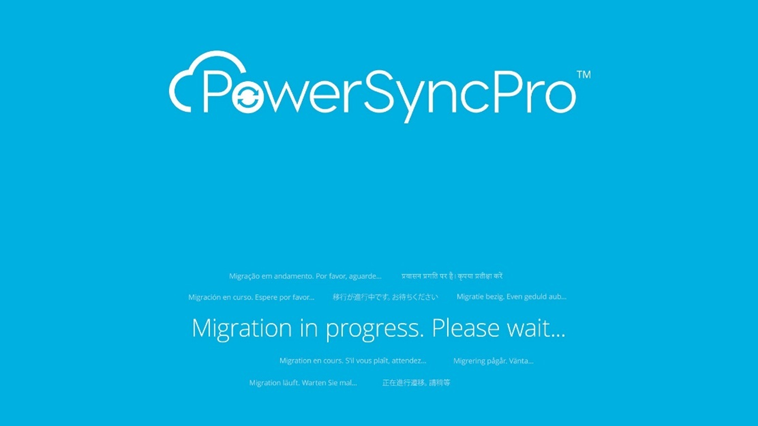
Other languages:
We know that English is not always the language in use, and we have clients from all over the world that prefer to have the operating system in their native language. We get it, we’ve got you, don’t worry.
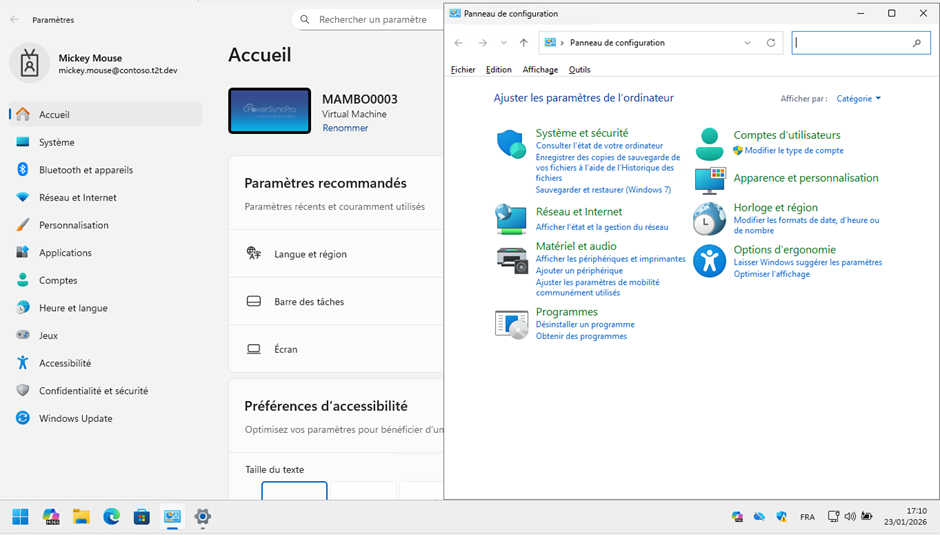
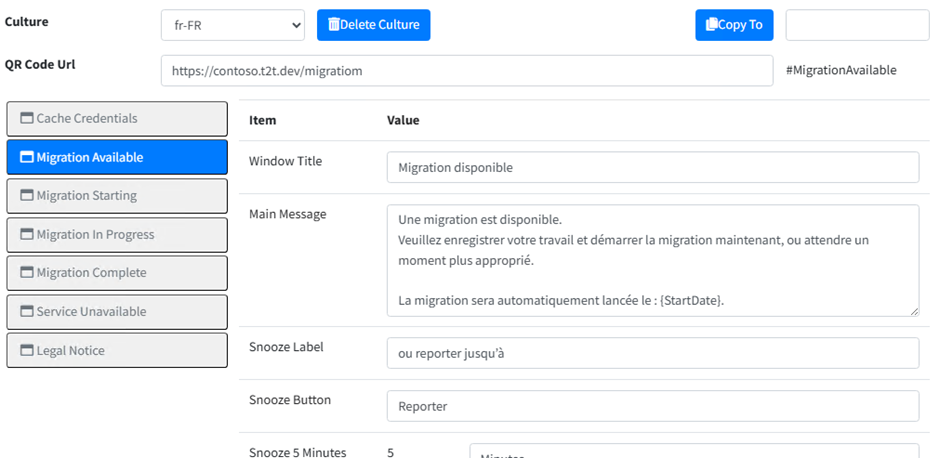
User Experience settings
In PowerSyncPro you can customise the dialog boxes for any language necessary based on the ISO culture. Here I am setting for fr-FR (French) but in the same runbook I could also have German (de-DE), Spanish (es-ES), Dutch (nl-NL) etc.
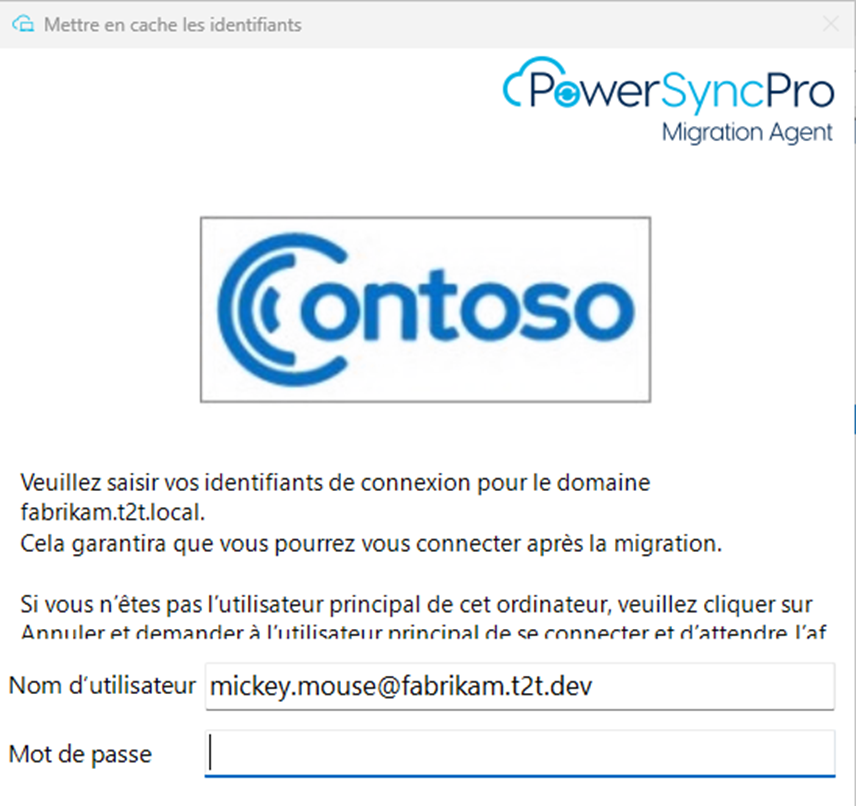
What the end-user sees
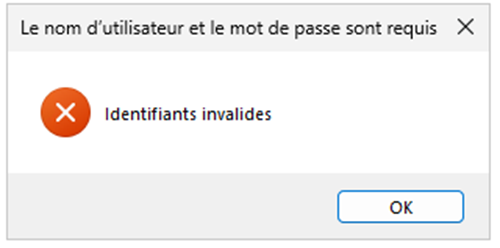
Cache Credentials
Migration Available
Migration in Progress
Migration Complete
With PowerSyncPro, every aspect of the migration journey is designed with the end user in mind. Clear communication, seamless guidance, and support in any language. From multilingual dialog boxes to branded lock screens and optional QR‑code assistance, we ensure a smooth, intuitive experience for global teams. No matter where your users are or how they work, PowerSyncPro keeps them informed, confident, and disruption‑free throughout their migration.


.png)