All blog
From an enhanced Migration Agent experience to powerful new DirSync capabilities, this update is all about giving IT teams more control, flexibility, and confidence.
We’re excited to introduce PowerSyncPro Version 3.2 – a release packed with quality-of-life improvements, performance boosts, and new features designed to make migrations and directory syncs smoother than ever. From an enhanced Migration Agent experience to powerful new DirSync capabilities, this update is all about giving IT teams more control, flexibility, and confidence.
Let’s dive into what’s new in PowerSyncPro v3.2:
Migration Agent Updates
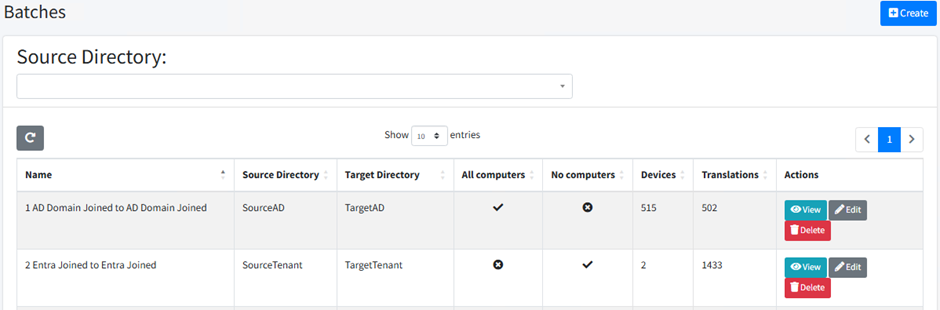
Revamped Batches View – Now, at a glance, check the number of workstations in scope and translation table entries for each batch. Stay on top of your migrations like never before!
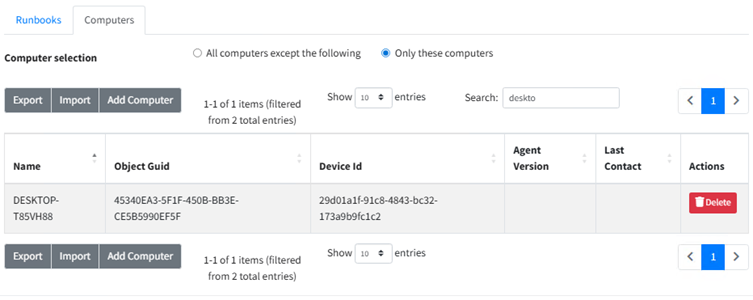
Streamlined Workstation Scoping – We’ve redesigned the batching screen to make it smoother and more intuitive! Importing workstations is easier with expanded valid columns for CSV imports and relaxed case matching. Plus, search scoped workstations right inside the batch, enjoy clearer scoping options, and computer scoping now has its own dedicated tab. And when imports hit a snag? Get a detailed failure report to pinpoint issues fast – efficiency boosted!
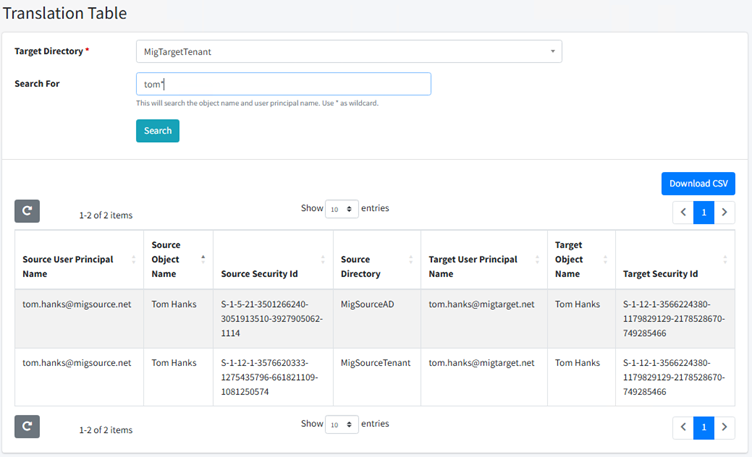
Searchable and Sortable Translation Table – Dive in with full search capabilities and sort on any column! This highly requested feature is here to supercharge your workflow.
Flexible Migration Progress Images – Choose from three awesome options: our sleek default PSP image, none for a minimalist vibe, or upload your custom one to brand the process your way. Personalise like a pro!
Smart Logon Prevention – During migrations, Migration Agent can automatically add users to the deny-logon policy, slashing failures and boosting your migration success rate. Migrate with total confidence!
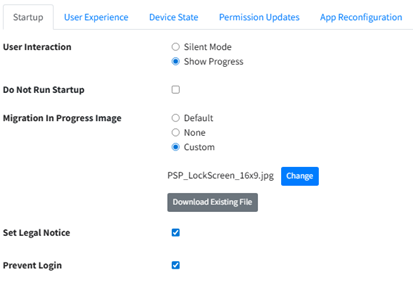
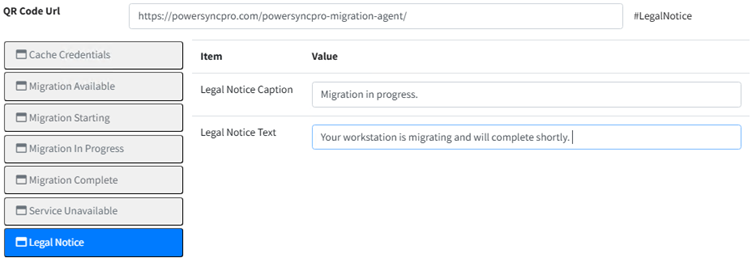
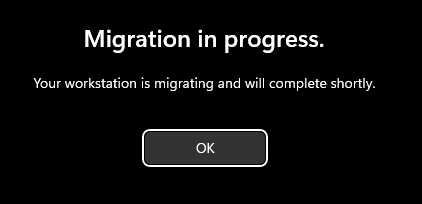
Custom Legal Text for Users – Tailor the experience by adding your own legal notices during migration. It’s seamlessly integrated with PowerSyncPro’s multilingual magic, delivering customised prompts based on the user’s machine culture, keeping everyone informed in their language!
Prevent Intune Uninstall – The Migration Agent install now smartly removes registry entries that could trigger its own uninstall during directory changes. Stability just got an upgrade!
DirSync Enhancements
ImmutableID Sync with Entra – Seamlessly sync ImmutableIDs to and from Entra! Switching to a new tenant? Prep accounts effortlessly with the right data – a game-changer for smooth transitions.
TargetValue in Logic Expressions – Unlock enhanced flexibility by using TargetValue in complex expressions. Map and manipulate attributes with precision and power!
Improved Remote Agents Keep-Alive – Even without direct line of sight, our remote agents now stay connected more reliably than ever, ensuring flawless synchronisation.
General Improvements
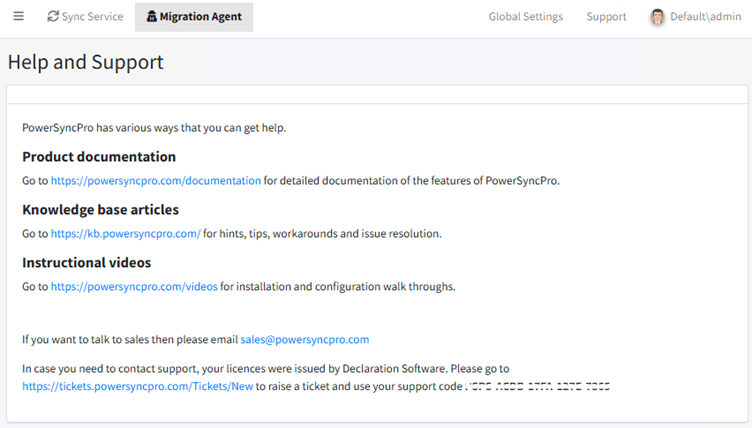
New Support Page – We’ve added a dedicated support hub to guide you straight to the help you need. Get answers faster and keep things running smoothly!
Other Enhancements & Bug Fixes – We’ve polished password sync, user profile reports, Windows Hello resets, and ensured MA reports its version consistently. Plus, fewer reboots needed when skipping device state moves – because who doesn’t love less downtime?




.png)