

How do the best Active Directory migration tools measure up?
How do the best Active Directory migration tools measure up?
10 March 2026Compare Active Directory migration tools on five points.
- Scope. Does the tool cover identity and devices, or only one of them? ADMT handles AD objects only, and Microsoft no longer develops it.
- Coexistence. Can it sync passwords (even when RC4 is disabled), SID history and the address book, perform manipulations while both directories run?
- Device handling. Does it keep the existing Windows profile, or does each device need a reimage or a new profile?
- Targets. Does it support AD, Microsoft Entra hybrid join (formerly hybrid Azure AD join), Microsoft Entra join (formerly Azure AD join) and moves between tenants, including GCC High?
- Proof before you buy. Can you preview changes and test on your own devices?
PowerSyncPro covers these points with two products. DirSync handles identity sync and coexistence across AD, Microsoft Entra ID (formerly Azure AD) and Google Workspace. PowerSyncPro Migration Agent moves Windows devices in place and resets the Microsoft 365 apps. What-If reports preview every change, and a 30-day trial covers up to five devices.
Latest from Blog

GCC High migration: identity and device migration
21/10/2026GCC High migration: how to move identities and Windows workstations securely
Learn More →
Why it's time to replace FIM & MIM
04/08/2026As MIM approaches end-of-support, we ask what is the path forward for identity management? For decades, Microsoft Identi...
Learn More →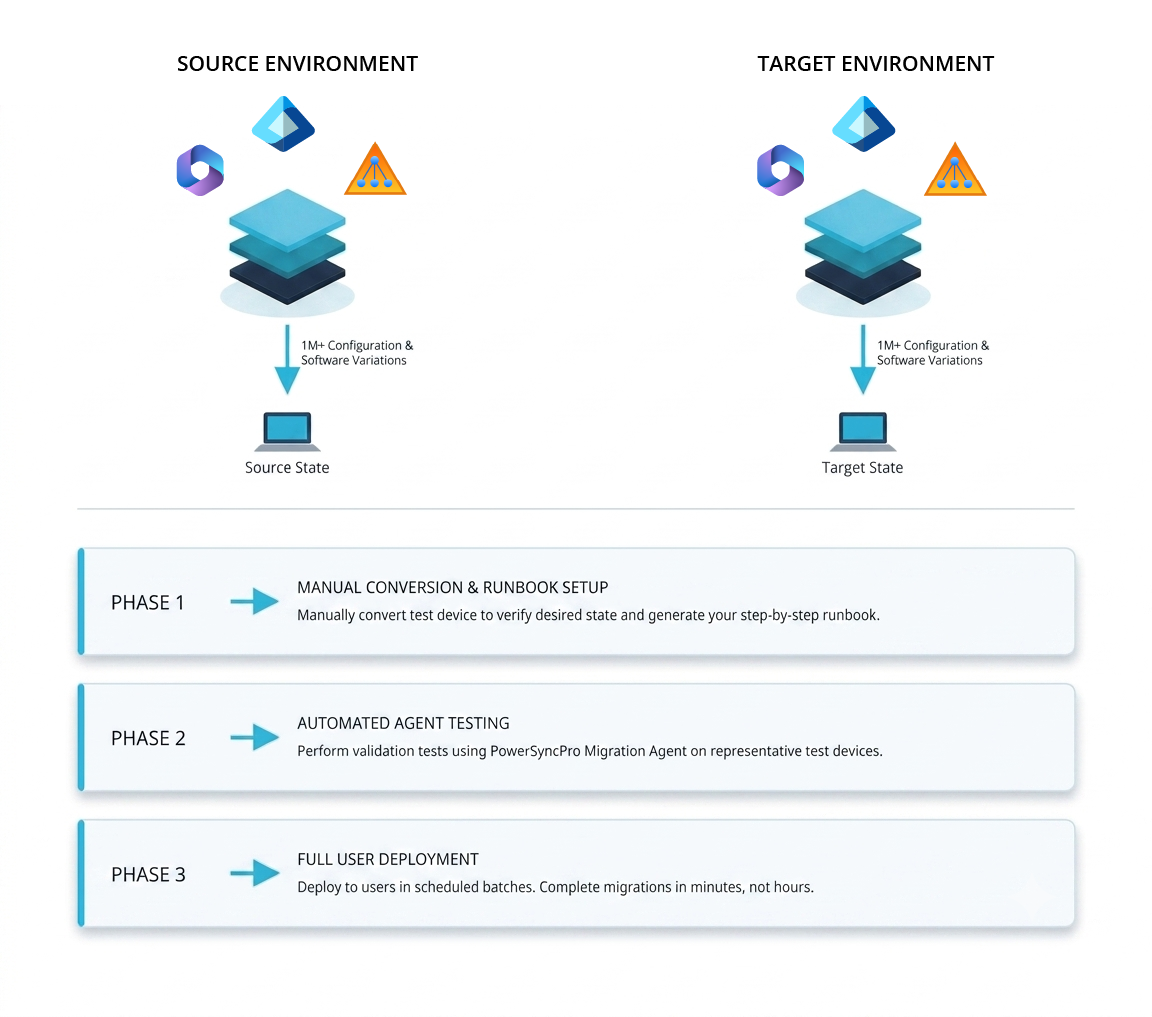
How to make your Windows migration a success
29/07/2026Everything you need to know before your next Windows migration project. Whether you're planning a tenant-to-tenant migra...
Learn More →